@qfrmbot Bot di Telegram

Quick Form - Form Constructor — Telegram Bot {{ $bot->code }}
Scansiona per aprire
Quick Form - Form Constructor — Telegram Bot {{ $bot->code }}
Indirizzo del bot: @qfrmbot
Categorie: Analitica , Costruttori
Descrizione da Bot

Создавайте профессиональные формы, опросы и квизы прямо в Telegram. Удобный конструктор, шаблоны, статистика и мгновенные уведомления
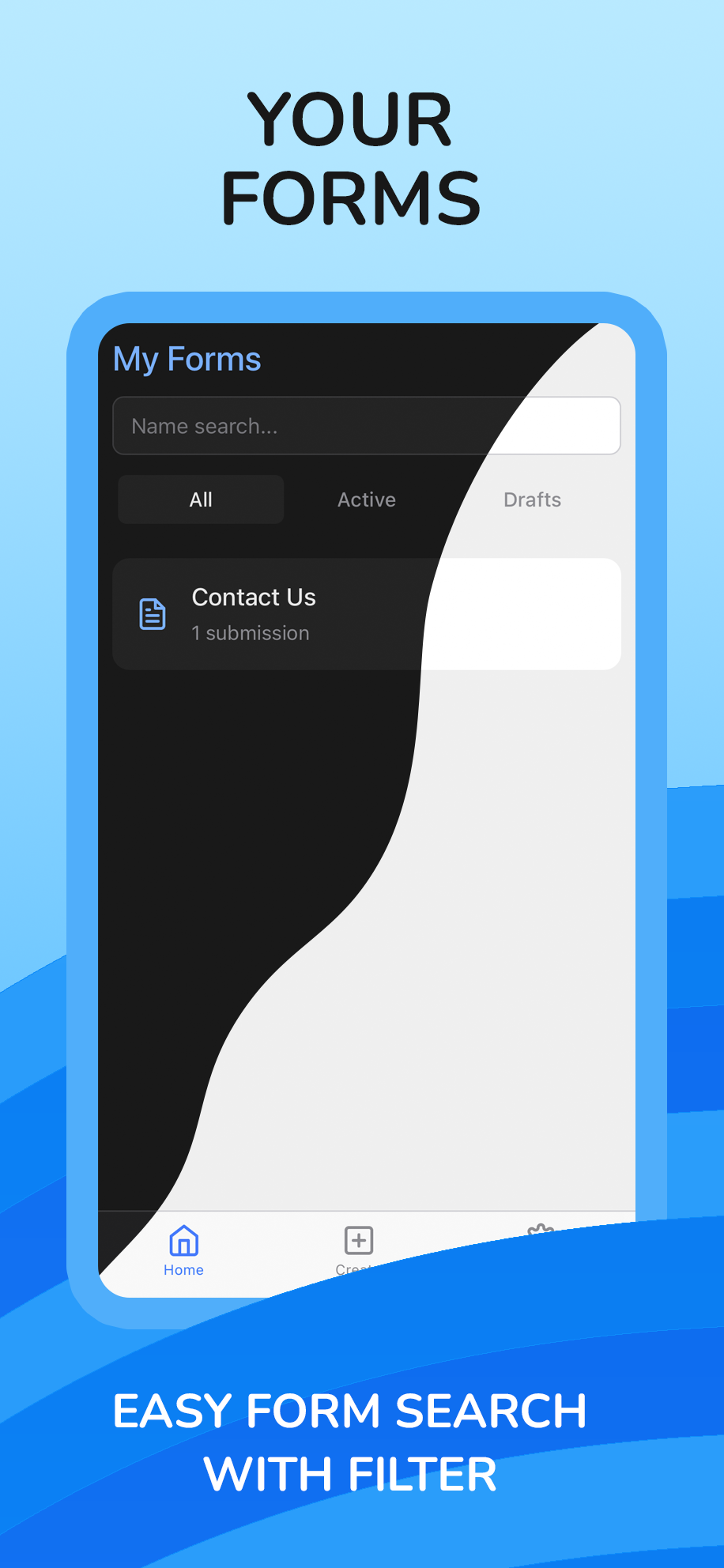
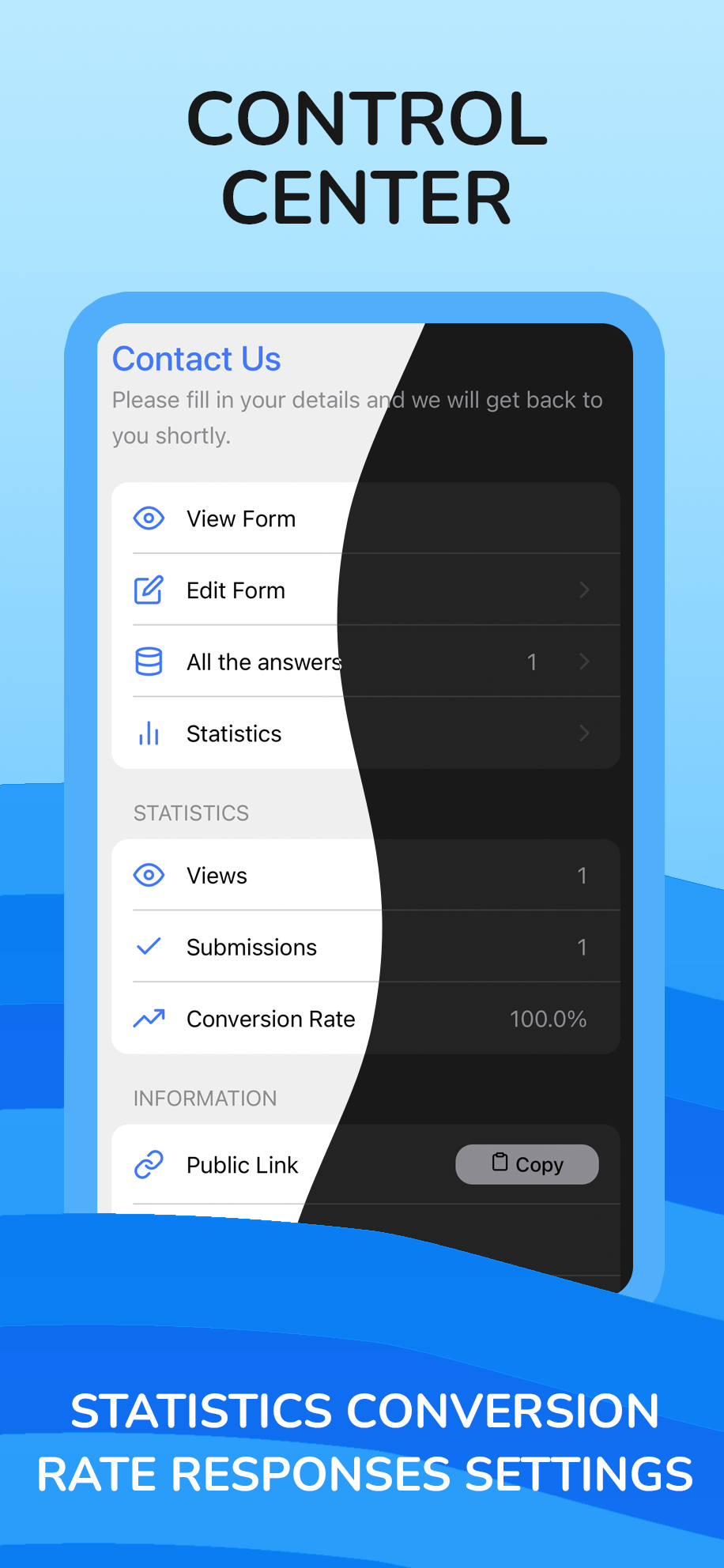
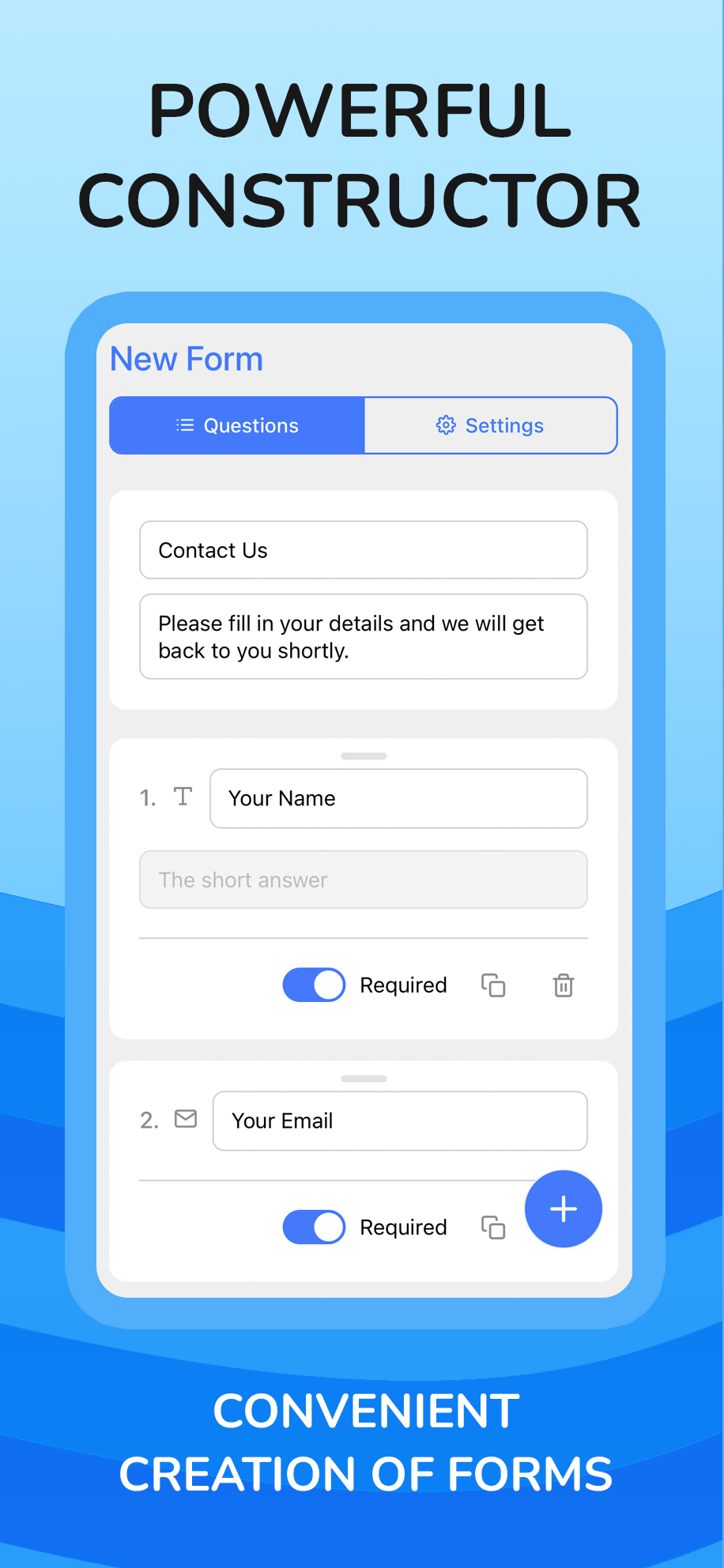
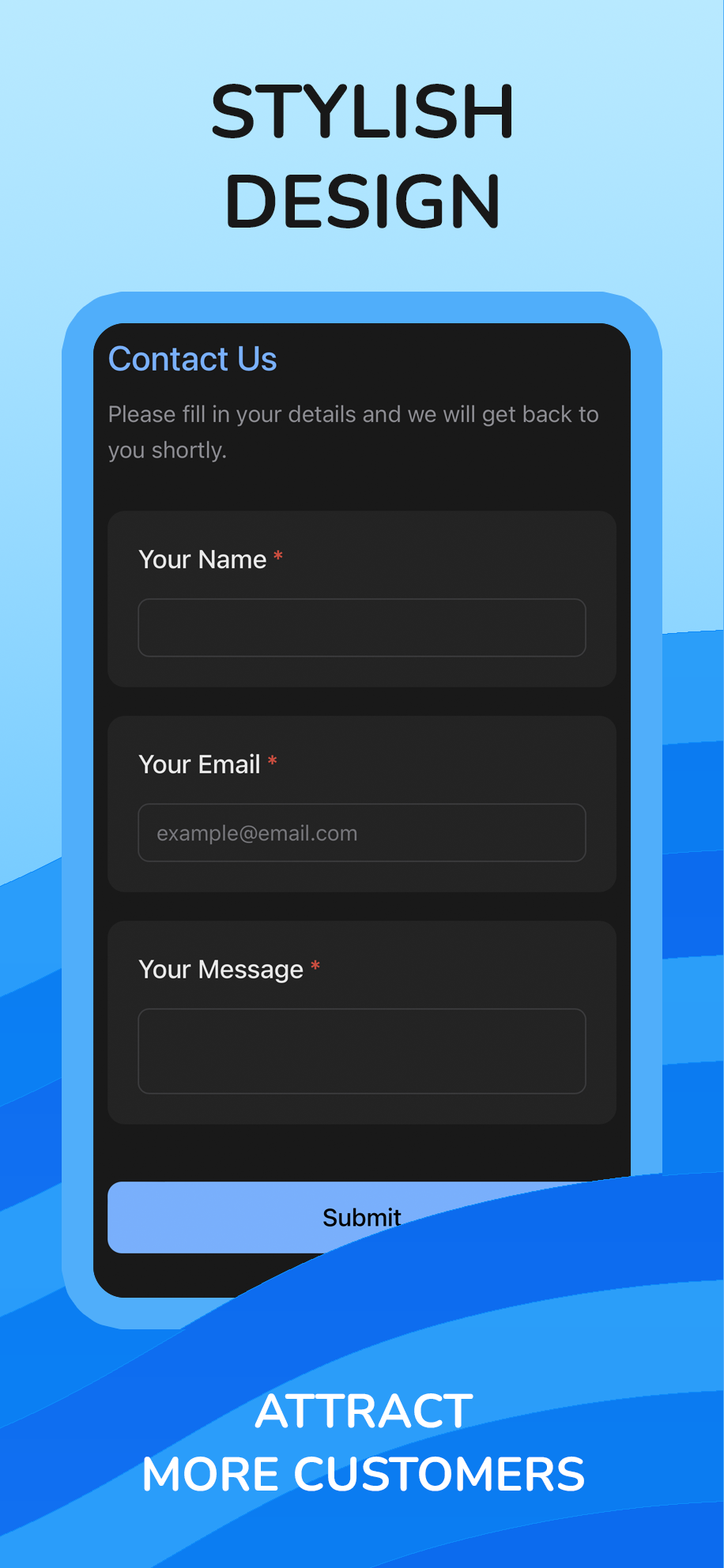
Quick Form 🚀 is your all-in-one tool for creating forms, polls, and surveys, fully integrated into Telegram. Stop juggling multiple services—now your entire data collection workflow can happen inside your favorite messenger.What do you get with Quick Form? ✍️ Powerful Builder: Create forms of any complexity in minutes. Use a drag-and-drop interface, over 12 advanced question types (including File Uploads, Ratings, and Phone), and customize logic and design. ✨ Template Library: Get started in seconds! You have access to a huge library of over 30 professionally designed templates for business, events, education, and personal needs. 📊 Smart Analytics: Don't just collect data—understand it. Get insightful statistics with beautiful charts, track form views, submission counts, and conversion rates in real time. 🔔 Instant Notifications: Receive alerts for every new submission directly to your Telegram or email, so you never miss a lead. 🔗 Seamless Sharing: Share your forms with direct deep links or QR codes that instantly open the app for your respondents, creating the most native experience possible. ⬇️ Data Export: Easily export all submission data to an .xlsx (Excel) file for further analysis.Quick Form is perfect for businesses, content creators, event organizers, and anyone who wants to gather information with ease and style

Condividi:
Transizioni al bot: ( 40 )

Ratings & Reviews

2.50

2 reviews

Reviews can be left only by registered users. All reviews are moderated by admins.

5 stars

0

4 stars

0

3 stars

1

2 stars

1

1 stars

0


Quick Form - Form Constructor — Screenshot 1 Quick Form - Form Constructor — Screenshot 2 Quick Form - Form Constructor — Screenshot 3 Quick Form - Form Constructor — Screenshot 4

Come iniziare

1

Apri il bot in Telegram

Fai clic sul pulsante "Apri bot" qui sopra per aprire questo bot nell'app Telegram
2

Avvia la conversazione

Premi il comando /start o tocca il pulsante Avvia per iniziare l'interazione
3

Esplora le funzionalità

Usa il pulsante menu o digita /help per scoprire tutti i comandi disponibili

Domande frequenti

Domande comuni sui bot di Telegram

Un bot di Telegram è un programma automatizzato che svolge varie attività all'interno del messenger Telegram. I bot possono inviare messaggi, rispondere a domande, elaborare comandi, automatizzare flussi di lavoro e fornire servizi come previsioni meteo, traduzione o gestione delle attività.
Clicca il pulsante "Apri bot" su questa pagina, poi invia /start nella chat con il bot. Segui le istruzioni del bot o usa i comandi disponibili nel pulsante menu. La maggior parte dei bot supporta il comando /help per vedere tutte le funzioni.
La maggior parte dei bot di Telegram è sicura. Tuttavia, evita di condividere informazioni personali sensibili, password o dati di pagamento se non ti fidi dello sviluppatore. Controlla le valutazioni, le recensioni e il numero di utenti prima dell'uso.
La maggior parte dei bot di Telegram è completamente gratuita. Alcuni bot offrono funzionalità premium tramite abbonamenti o pagamenti una tantum, ma le funzionalità di base sono generalmente gratuite. Controlla la descrizione del bot per i prezzi.
I bot sono programmi interattivi che rispondono ai comandi e automatizzano le attività. I canali sono piattaforme di diffusione dove gli amministratori pubblicano contenuti. Con i bot si interagisce (bidirezionale), mentre i canali offrono comunicazione unidirezionale.
I comandi dei bot iniziano con una barra (/) come /start, /help o /settings. Digita il comando e invialo al bot. Molti bot hanno anche un pulsante menu con i comandi disponibili. Alcuni bot avanzati comprendono il linguaggio naturale.