@budget_easy_bot Bot di Telegram

Budget Easy — Telegram Bot {{ $bot->code }}
Scansiona per aprire
Budget Easy — Telegram Bot {{ $bot->code }}
Indirizzo del bot: @budget_easy_bot
Categorie: Intrattenimenti , Strumenti di trading , Produttività , Analitica , Mercati predittivi , Sticker ed emoji , Personalizzazione , Giochi da tavolo e classici , Cataloghi , Exchange di cripto , NFT e collezionabili , Stars
Descrizione da Bot

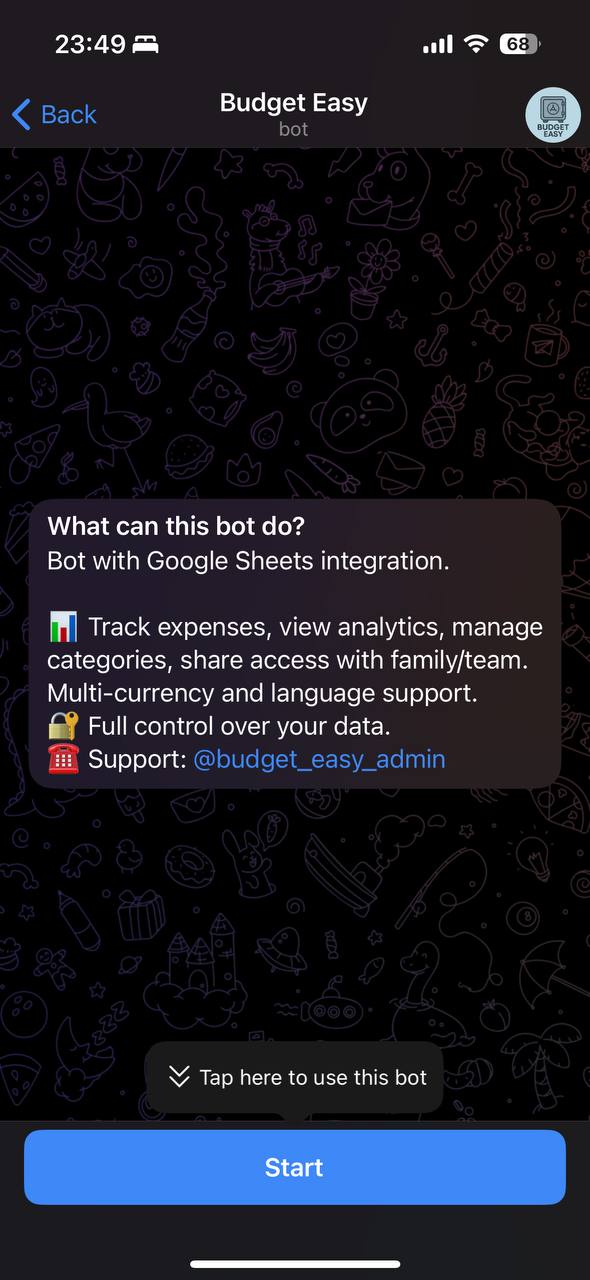
Bot with Google Sheets integration 📊 Track expenses, view analytics, share access ☎️ Support: @budget_easy_admin
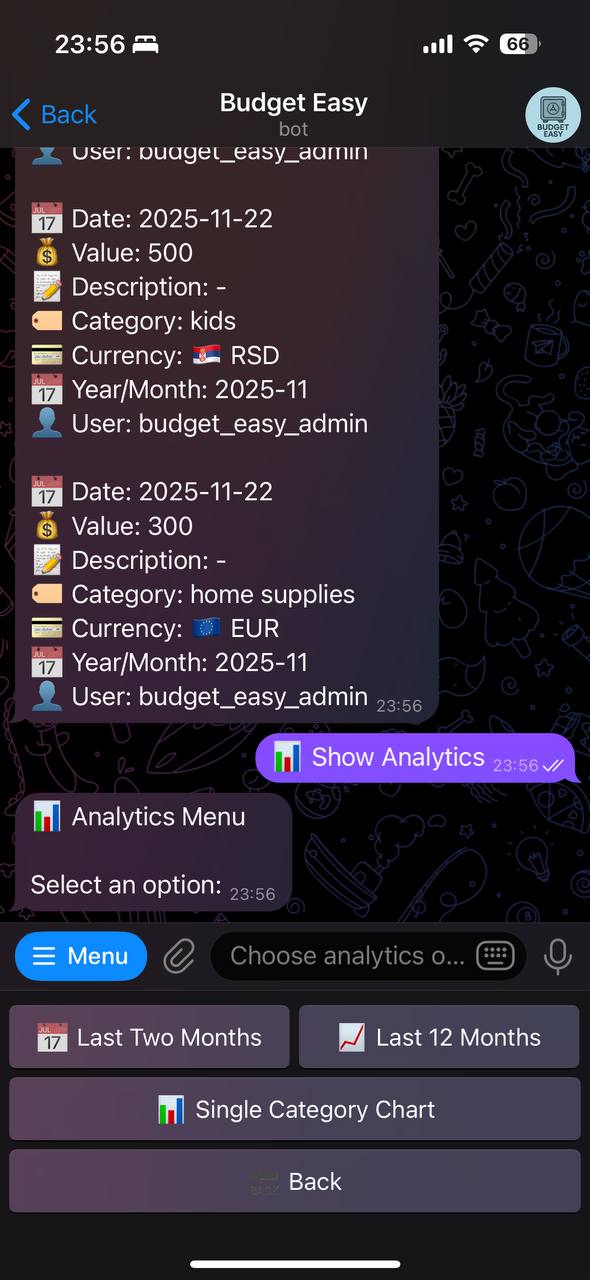
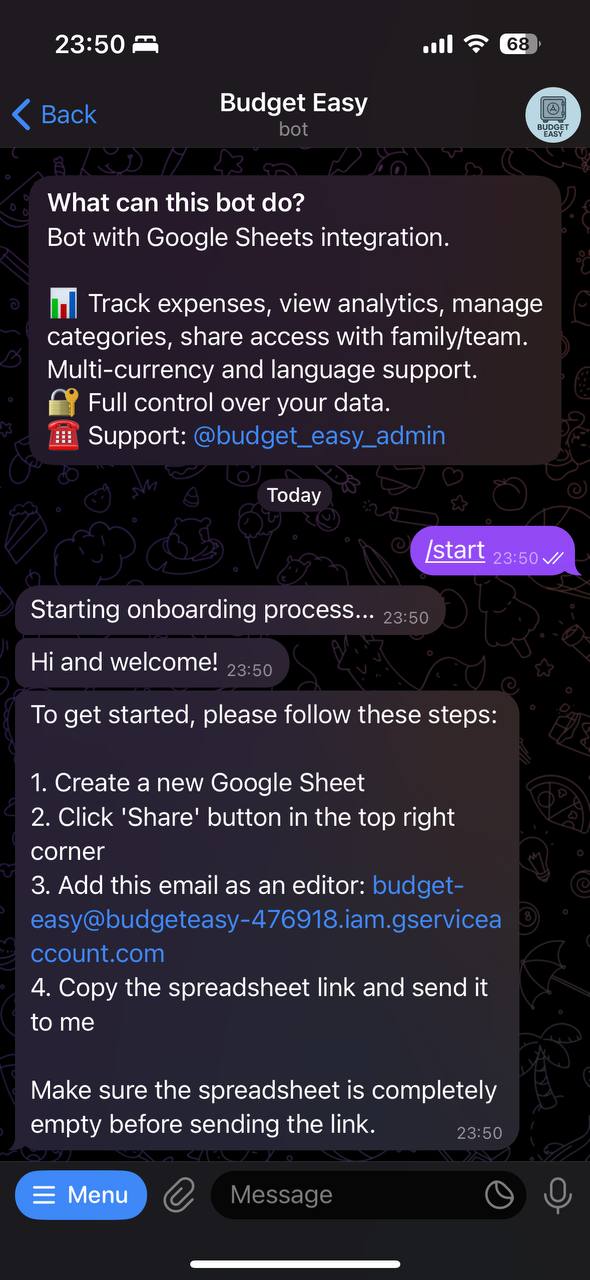
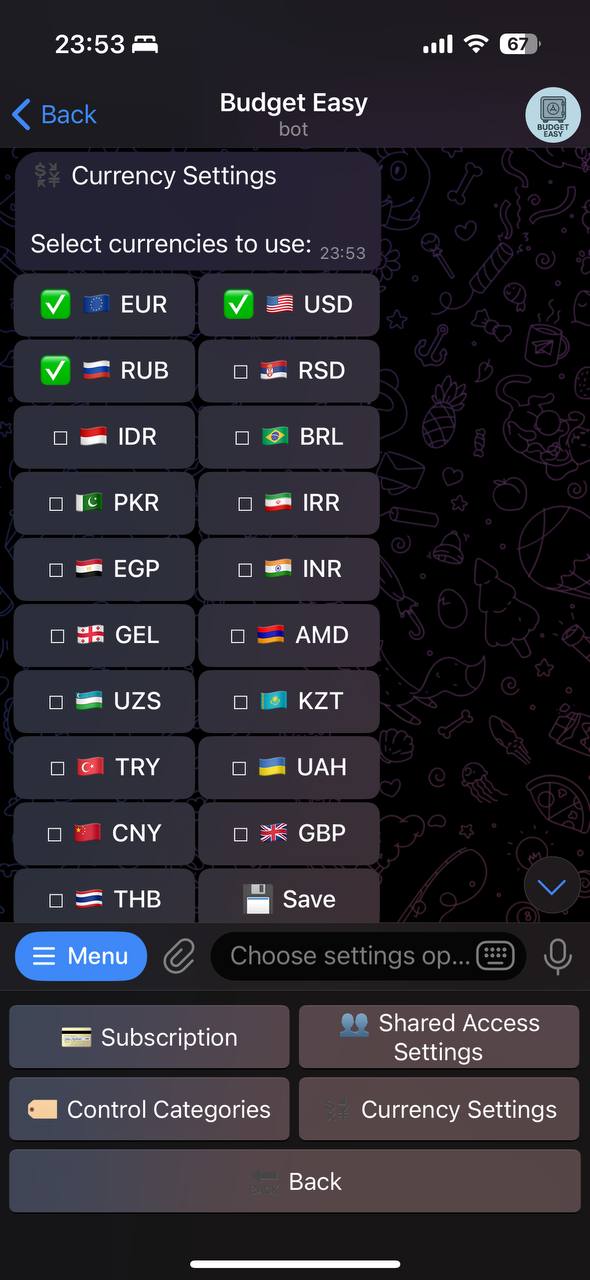
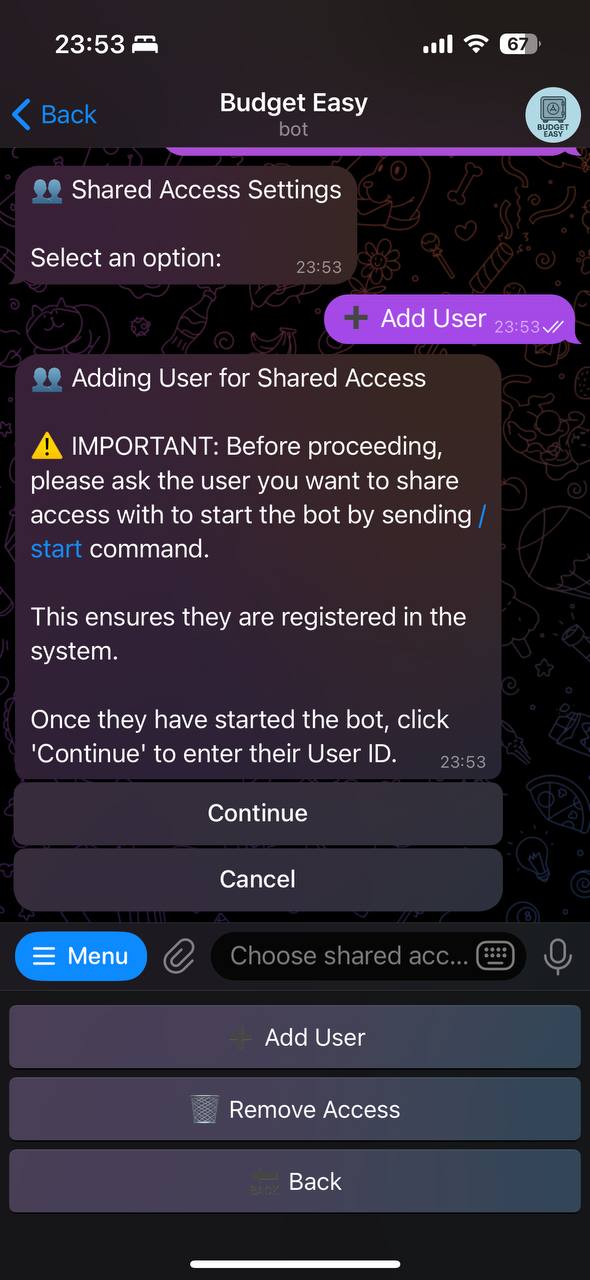
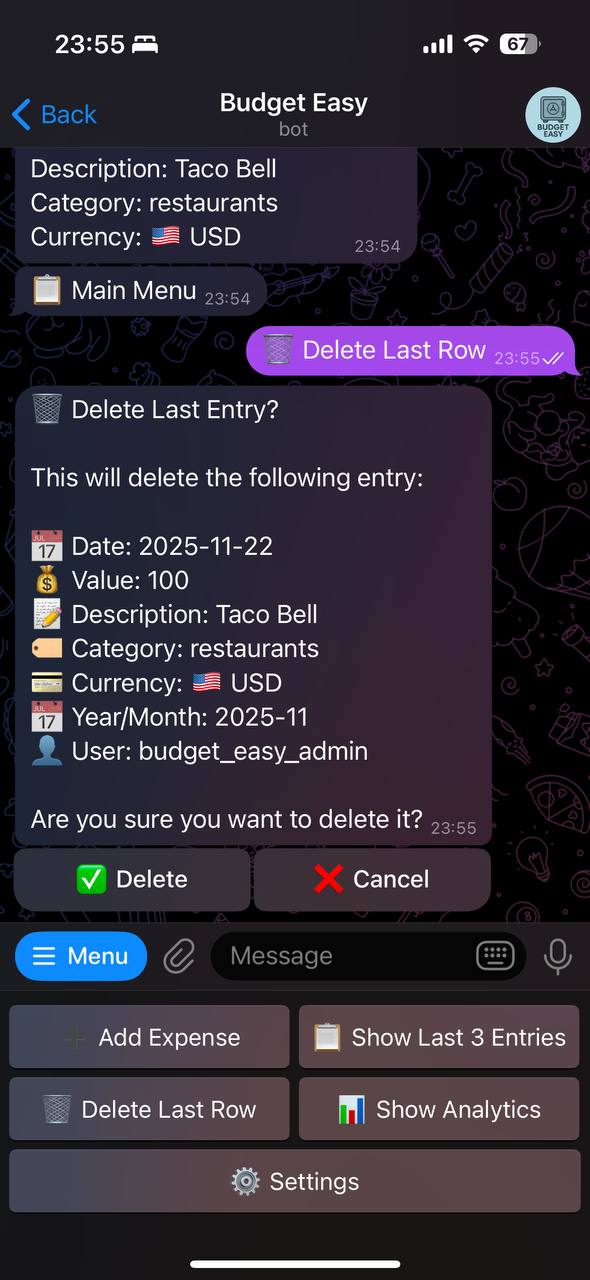
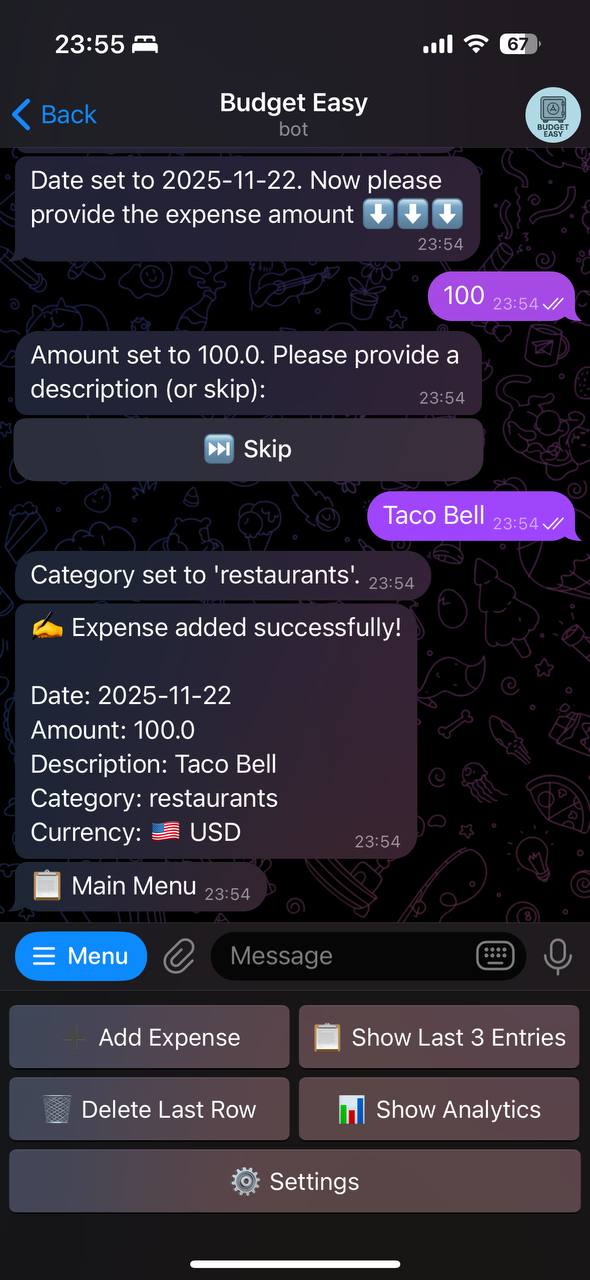
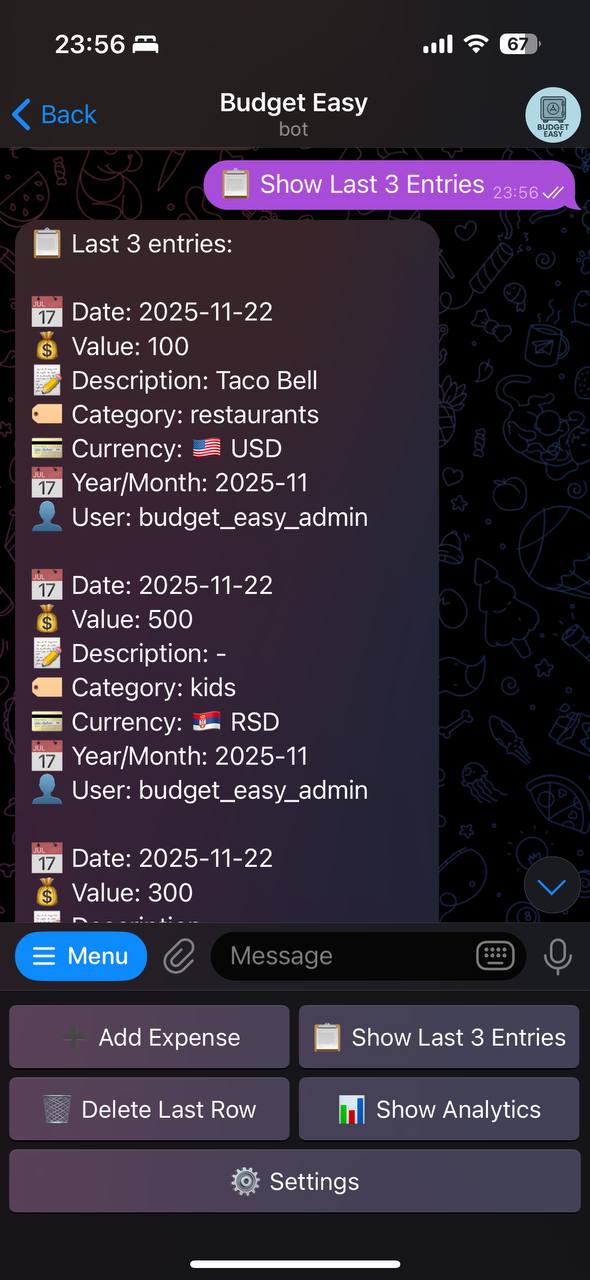
Budget Easy Bot is a Telegram bot for personal expense tracking and financial management. It integrates with Google Sheets to store user data, giving users full control and easy access. Core Features: The bot supports expense tracking for multiple currencies. Users can add expenses, view the last entries, delete the last entry, and manage categories. Analytics include charts for the last two months, 12-month trends, and single-category breakdowns. Available in English and Russian. Users select their language during onboarding, and all messages are translated. Subscription Model: Uses Telegram Stars for payments. New users receive a 14-day trial. After that, a 30-day subscription costs 99 Stars. Only the main user (spreadsheet owner) needs a subscription; shared users can access premium features when the main user has an active subscription. Main users can invite others (no limitations) to their spreadsheet. Shared users can add expenses and view analytics without their own subscription, enabling family or team budgeting. All data is stored in the user's Google Sheet, ensuring privacy and portability.

Condividi:
Transizioni al bot: ( 82 )

Ratings & Reviews

2.00

2 reviews

Reviews can be left only by registered users. All reviews are moderated by admins.

5 stars

0

4 stars

0

3 stars

0

2 stars

2

1 stars

0


Budget Easy — Screenshot 1 Budget Easy — Screenshot 2 Budget Easy — Screenshot 3 Budget Easy — Screenshot 4 Budget Easy — Screenshot 5 Budget Easy — Screenshot 6 Budget Easy — Screenshot 7 Budget Easy — Screenshot 8

Come iniziare

1

Apri il bot in Telegram

Fai clic sul pulsante "Apri bot" qui sopra per aprire questo bot nell'app Telegram
2

Avvia la conversazione

Premi il comando /start o tocca il pulsante Avvia per iniziare l'interazione
3

Esplora le funzionalità

Usa il pulsante menu o digita /help per scoprire tutti i comandi disponibili

Domande frequenti

Domande comuni sui bot di Telegram

Un bot di Telegram è un programma automatizzato che svolge varie attività all'interno del messenger Telegram. I bot possono inviare messaggi, rispondere a domande, elaborare comandi, automatizzare flussi di lavoro e fornire servizi come previsioni meteo, traduzione o gestione delle attività.
Clicca il pulsante "Apri bot" su questa pagina, poi invia /start nella chat con il bot. Segui le istruzioni del bot o usa i comandi disponibili nel pulsante menu. La maggior parte dei bot supporta il comando /help per vedere tutte le funzioni.
La maggior parte dei bot di Telegram è sicura. Tuttavia, evita di condividere informazioni personali sensibili, password o dati di pagamento se non ti fidi dello sviluppatore. Controlla le valutazioni, le recensioni e il numero di utenti prima dell'uso.
La maggior parte dei bot di Telegram è completamente gratuita. Alcuni bot offrono funzionalità premium tramite abbonamenti o pagamenti una tantum, ma le funzionalità di base sono generalmente gratuite. Controlla la descrizione del bot per i prezzi.
I bot sono programmi interattivi che rispondono ai comandi e automatizzano le attività. I canali sono piattaforme di diffusione dove gli amministratori pubblicano contenuti. Con i bot si interagisce (bidirezionale), mentre i canali offrono comunicazione unidirezionale.
I comandi dei bot iniziano con una barra (/) come /start, /help o /settings. Digita il comando e invialo al bot. Molti bot hanno anche un pulsante menu con i comandi disponibili. Alcuni bot avanzati comprendono il linguaggio naturale.